A new local‑only password manager, notes app, and secure vault that hides your secrets in an ordinary-looking .PNG image file is now available. BlindLock does all this and more with an option to bind to your hardware using TPM2.0, Secure Enclave, or StrongBox. No cloud storage or central vault account is required, and the dev is selling lifetime licenses at $49 (for now). There is an interactive online demo, with nothing uploaded or downloaded, as well as a downloadable full 7-day demo available.
BlindLock’s solo developer David Domingo indicates that one of the main drivers behind his efforts to create this application was the theft of customer vault backups from LastPass in late 2022. What happened to LastPass could have also happened to 1Password, Dashlane, even Proton Pass, reckons Domingo. “When your vault sits on someone else's server, you inherit every risk that server carries: employee access, infrastructure vulnerabilities, government subpoenas, supply chain attacks, and the simple mathematical reality that a server holding tens of millions of vaults is a far more attractive target than your laptop,” says the BlindLock dev on his blog.
So, three independent layers of security apply to your BlindLock vault. It is invisible in its ordinary-looking PNG carrier, not just encrypted. BlindLock doesn’t run a central vault database, so there is nothing for attackers to steal from BlindLock servers and crack later. Your resting vault file uses 256-bit authenticated encryption and already includes NIST post-quantum components. It is also bound to your device. “The vault opens only when three things match: the carrier file, your master password and your authorized device,” asserts the BlindLock app page. “A copied file alone is not enough to gain access.”
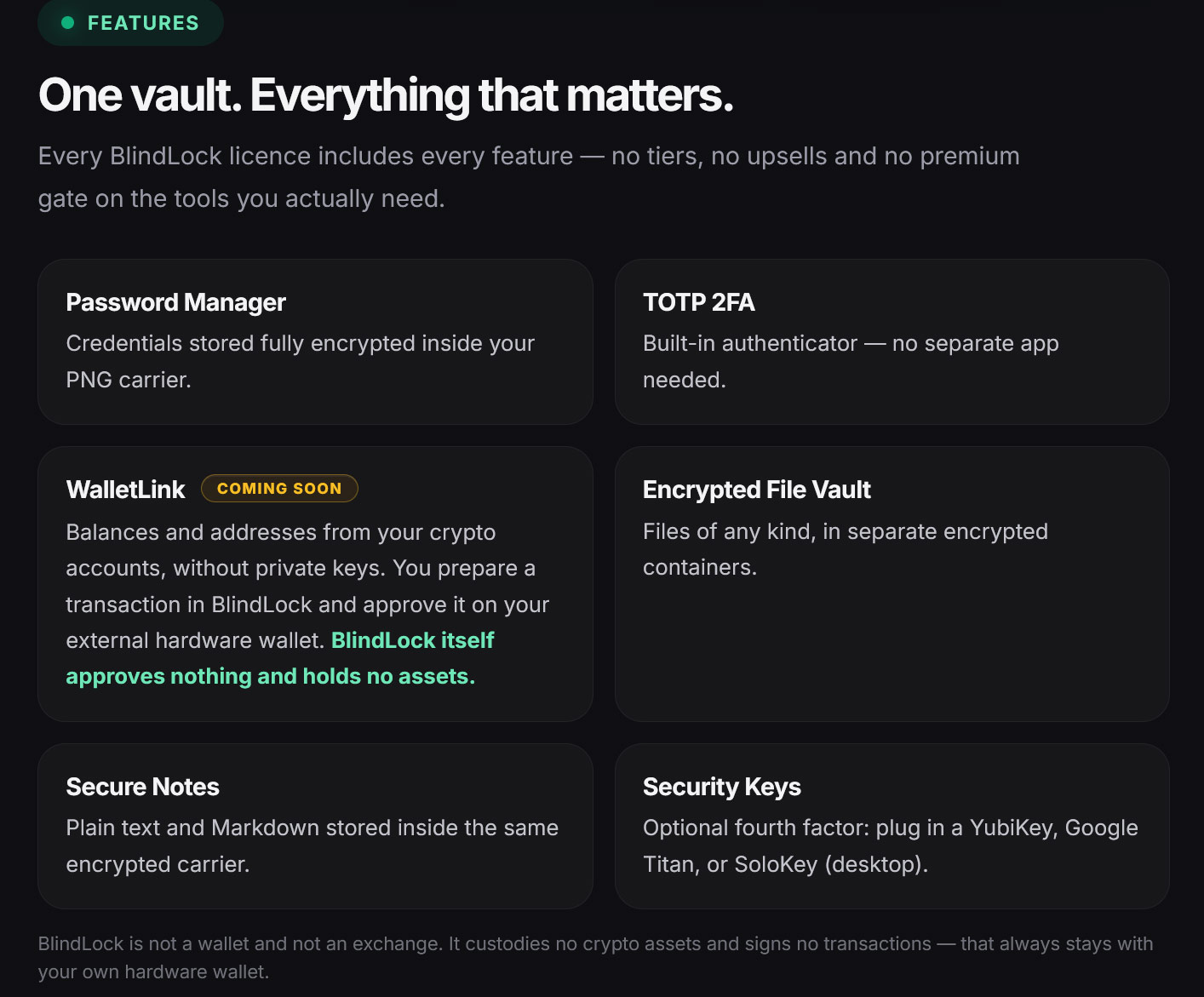
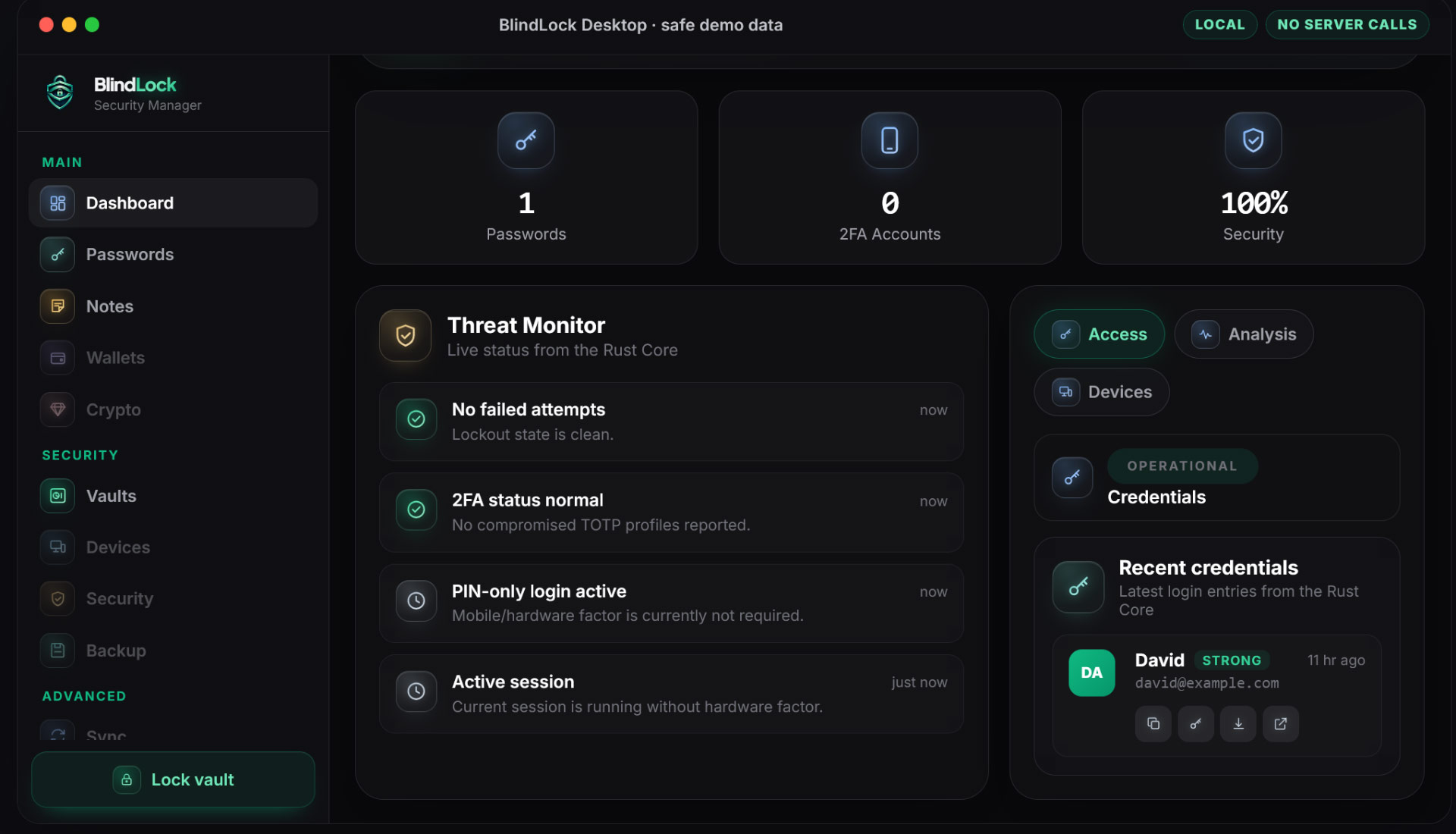
BlindLock’s feature set is pretty broad for a new offering. Fully encrypted inside your chosen .PNG holiday snap or cat photo is a password manager, Markdown-supporting secure notes, a built-in 2FA authenticator, and an encrypted file vault (for any type of file), and there is support for an optional fourth-factor security key like a YubiKey or Google Titan, etc.
Accessing your BlindLock data requires three things at once: the carrier file, your master password, and the authorized device - the vault key is sealed to that device's security chip, which is TPM 2.0, Secure Enclave, or StrongBox depending on the platform. You can avoid overly bloating your central .PNG file by squirreling larger files separately in their own encrypted containers. BlindLock employs a hidden volumes system not unlike VeraCrypt for these containers. Domingo admits these are “not magically unfindable,” but are Argon2id-hardened, 256-bit authentication-encrypted and stored inconspicuously. For device loss or migration, users must create an encrypted BlindLock backup and keep its recovery phrase separately.
As per the intro, BlindLock is being introduced as a one-time $49 purchase. This perpetual pricing plan only applies to the first 1,000 licenses. There will be three waves: “the first 100 at $49, the next 350 at $89, and the final 550 at $109. After that, BlindLock is subscription-only,” says Domingo. The independent dev wants to lay a solid financial foundation, so development of BlindLock can continue.
This article is merely sharing the news about BlindLock and shouldn't be taken as a recommendation. Please check out the online and downloadable demos and judge whether it works for you and offers the features you want for the price.